
Casinok Casino Login
Get back into your account in under two minutes with your email and password.
Games at Casinok Casino


All Games


Getting into your Casinok Casino account takes under two minutes with your email or username and password. If something blocks you, the fixes below cover password resets, locked accounts, KYC holds and 2FA codes. Live chat answers around the clock in English.
How to Log In: Step-by-Step
To open an account at Casinok Casino, you provide an email, a username and a password. These are your login credentials.
Navigate to the Casinok Casino website in your browser.
Select the Log In button.
Type your email or username, followed by your password.
If you activated two-factor authentication, input the security code when asked.
Send the form and you will enter your account.
Two-factor authentication is a choice at Casinok Casino. Biometric login is not supported, so fingerprint or facial recognition are not options on any device.
Login Problems and Fixes
Common login failures are often due to a typing error, old browser data or incomplete verification. Identify your issue in the table, then apply the solution.
| Problem | Likely Cause | Quick Fix |
|---|---|---|
| Wrong password message | Typo, caps lock or an old password | Retype carefully, then reset the password if it still fails |
| Page loads but the form will not submit | Old cookies or cached data | Clear cookies and cache, then reload |
| 2FA code rejected | Expired or mistyped code | Enter the newest code; if you cannot access it, contact live chat |
| Account locked | Security hold on the account | Contact live chat and give your account email |
| Login works but cashier is blocked | KYC pending | Complete verification (see KYC Verification below) |
| Login refused after a break request | Active self-exclusion | The block lasts for the chosen period |
To clear cookies and cache:
- Go to your browser settings and locate the privacy or history section.
- Choose cookies and cached data for the casino website.
- Approve the removal and shut the browser completely.
- Launch Casinok Casino again and attempt to sign in.
How to Reset Your Password
You must initiate this process: the reset begins on your end, and the email should reach you shortly after your request. Ensure you use your registered email.
- Go to the login page and select the 'forgot password' link.
- Provide the email address associated with your Casinok Casino account.
- Open the email you receive and select the password reset link inside it.
- Set a new password and confirm the change.
- Go back to the login page and sign in using your new password.
If you don't see the message, check your spam folder and make sure you entered the correct email address. If it still hasn't arrived, get in touch with live chat and they'll handle it.
Account Locked or Suspended
A locked account requires support to fix it. Entering the password again won't help.
- Start a live chat session or send an email to support.
- Provide the email and username linked to your account.
- Explain what occurs each time you attempt to log in.
- Carry out the steps the support team provides.
Two issues can prevent an account from opening:
- A cryptocurrency account flagged for risk during a pending KYC check
- An active self-exclusion you placed on your own account
Self-exclusion begins at a minimum of 6 months, with longer periods available. Your selected timeframe determines the duration of the block. If gambling no longer feels like entertainment, GamCare operates a free National Gambling Helpline at 0808 8020 133, and their website is gamcare.org.uk.
KYC Verification
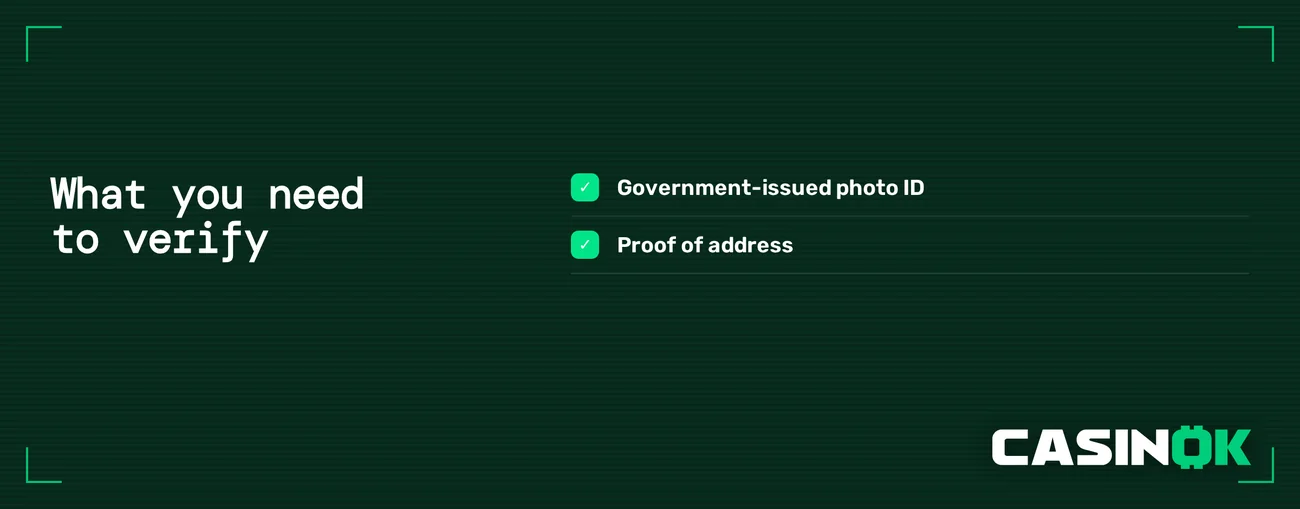
Casinok Casino only needs basic information to register, so you can sign up and log in without verification. Full KYC is required in two specific instances.
| Situation | KYC Required |
|---|---|
| Fiat transactions (USD, EUR, GBP) | Yes |
| Crypto account, no risk flag | No |
| Crypto account flagged as risk | Yes |
Complete any pending verification first. Support will then review it. You'll access the cashier based on that review, so finish the check before contacting support a second time.
Logging In on Mobile
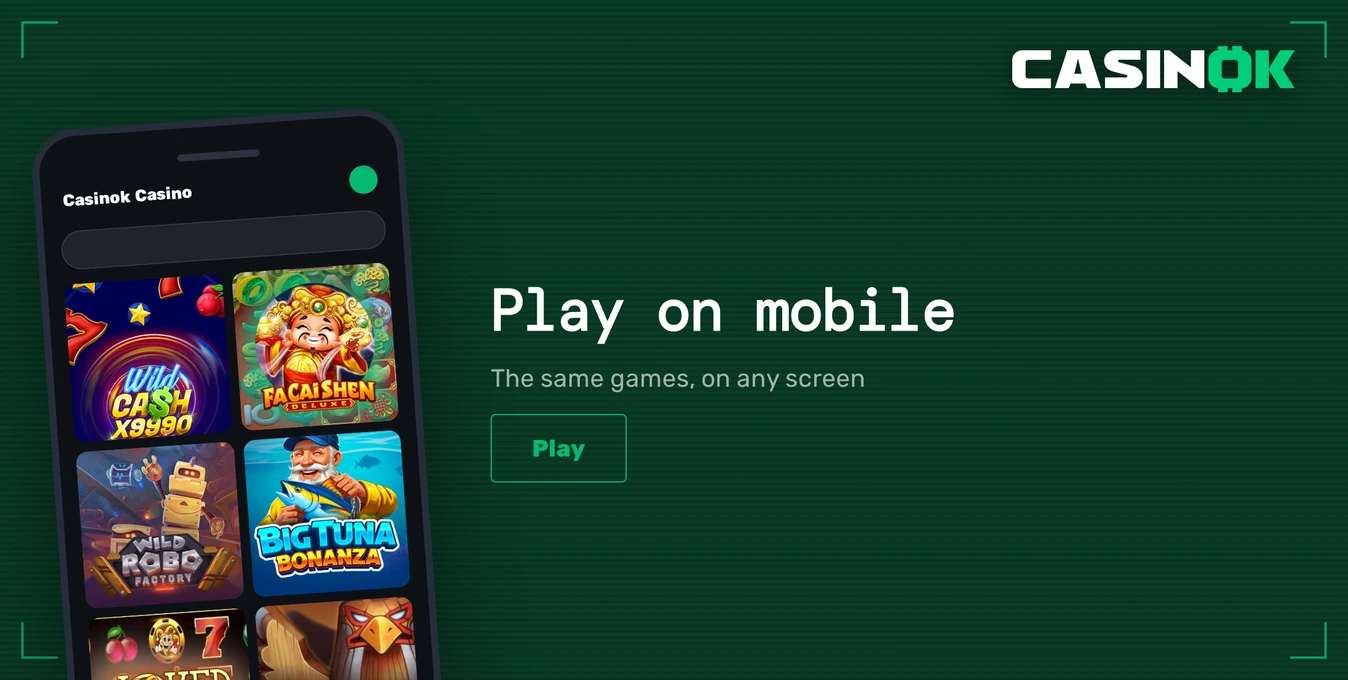
Casinok Casino does not offer a separate app for iOS or Android. The website works in your mobile browser, requires no download, and has all the same functions as the desktop version.
| Mobile Detail | Status |
|---|---|
| Access | Phone browser |
| Download needed | No |
| Feature set | Same as desktop |
| Biometric login | No |
| Push notifications | No |
To log in on your phone, open the casino in Safari, Chrome, or your browser and enter your usual email or username and password. Adding the page to your home screen creates a one-tap icon.
Contact Support
Casinok Casino provides support via live chat and email. Both are available 24/7, and the team replies in English.
| Channel | Contact | Hours | Language |
|---|---|---|---|
| Live chat | On the site | 24/7 | English |
| [email protected] | 24/7 | English |
Use live chat for a locked account or a failed 2FA code, as you can reply to questions immediately. For any request, include:
- The email and username on your account
- The specific error message shown on your screen
- Any steps you have already taken, like attempting a password reset
FAQ
Casinok Casino is for players aged 18 or older. Only gamble with money you can afford to lose. Stop playing when it is no longer enjoyable.